Prizm Labs

Carousel · visual + audio

  • 11posts
  • 18scenes
  • 22objects
  • 57moves

Real trip footage, AI made only from real photos of me, and lifelike 3D objects, cut as one loop. The piece is pinned; every part of how it was made is a post below. Tap in.
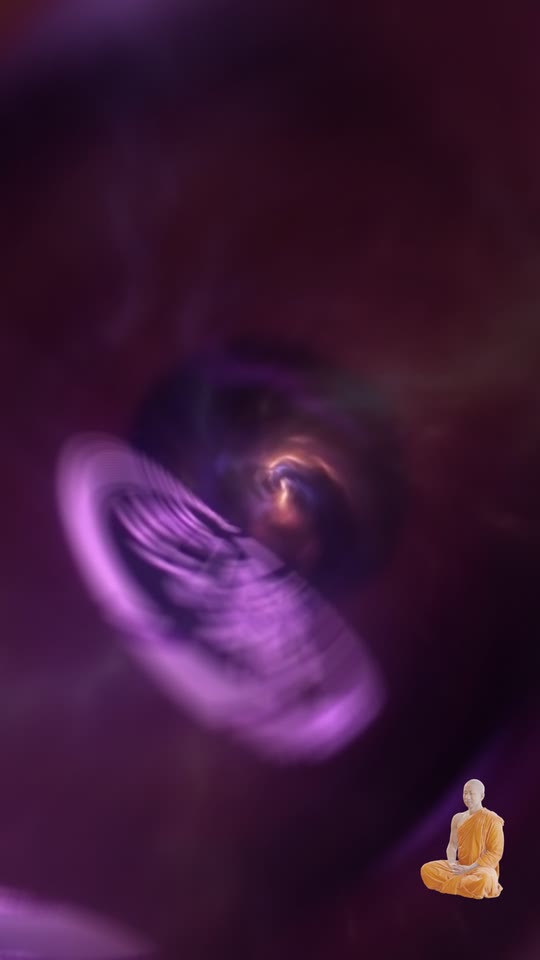
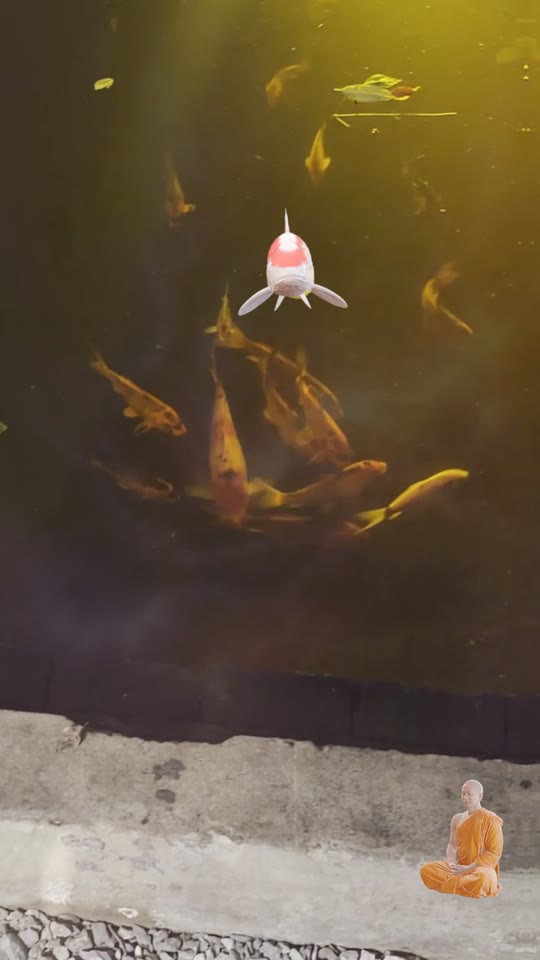
The Goja neon, in my eye
the iris
…and into the real pond
the pond
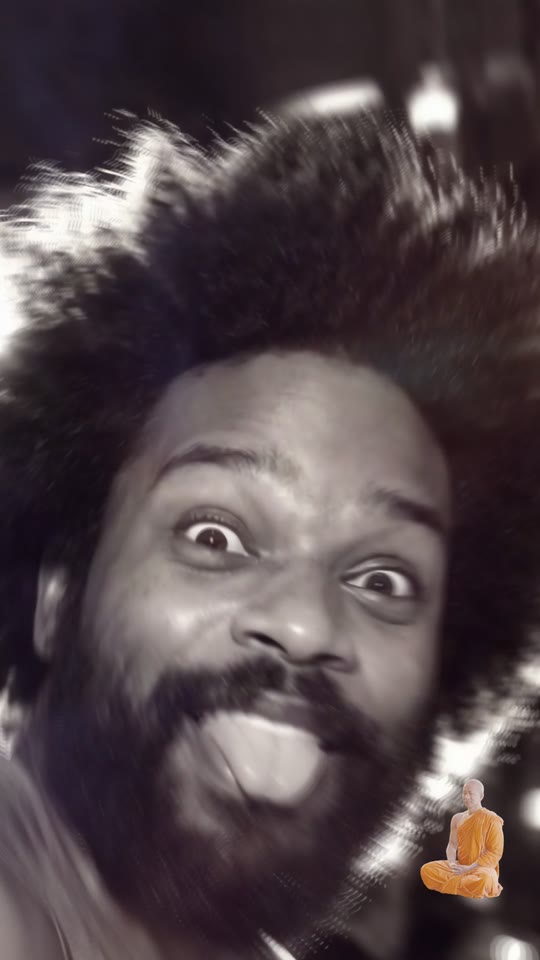
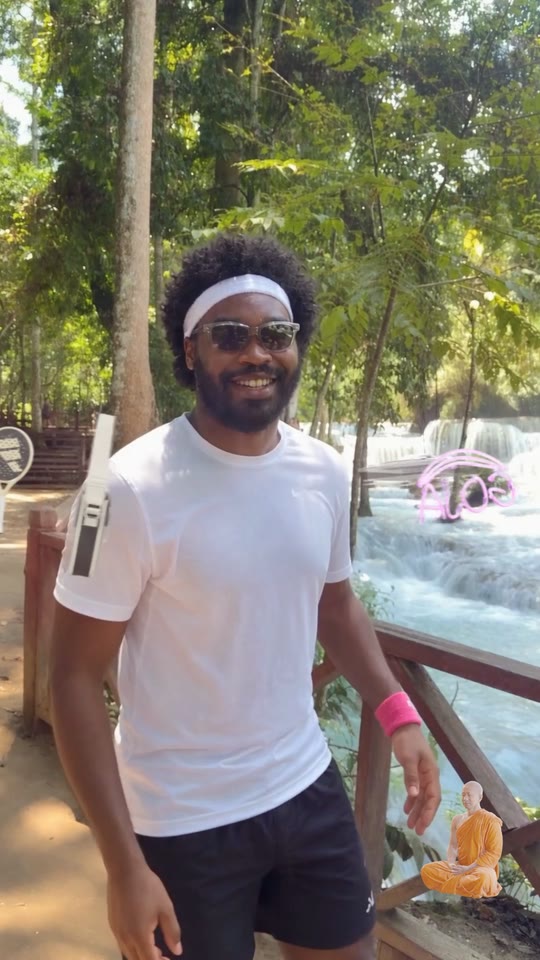
Flash — tongue out, black and white
flash
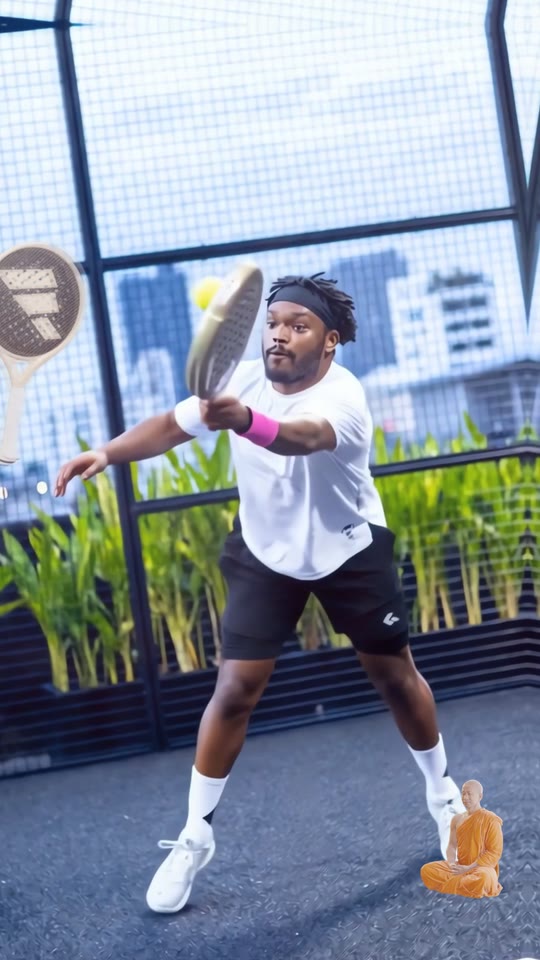
Padel, mid-rally
the rally

Pinned · a visual + audio mix

Carousel.

“Life is a game, a loop, you define yourself.”

to Gotts Street Park — Lost & Found
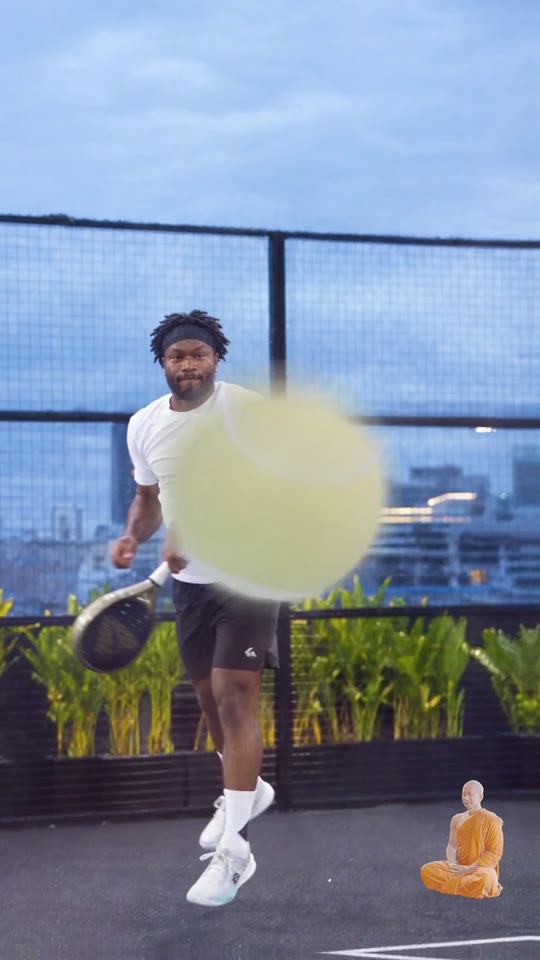
The ball comes at the lens
the lens
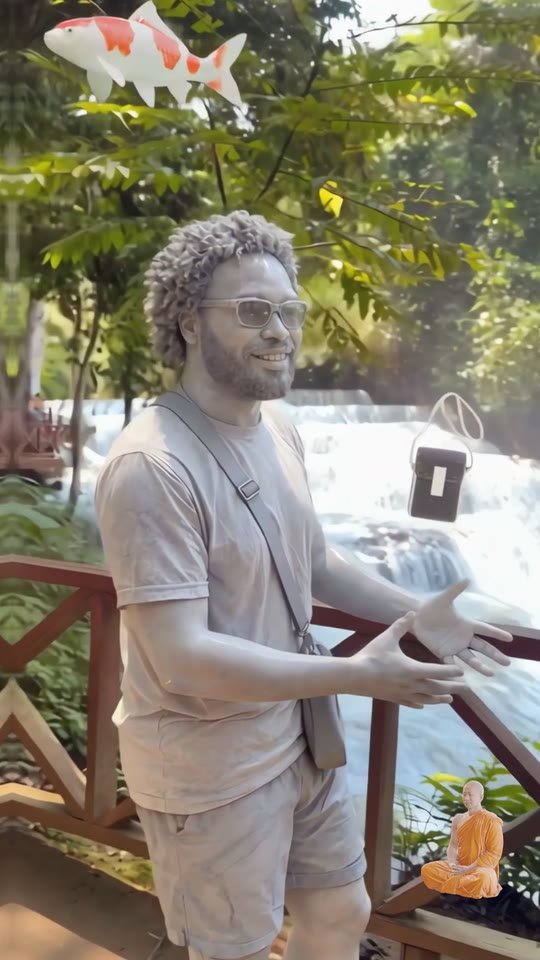
Bullet time, turned to stone
lost
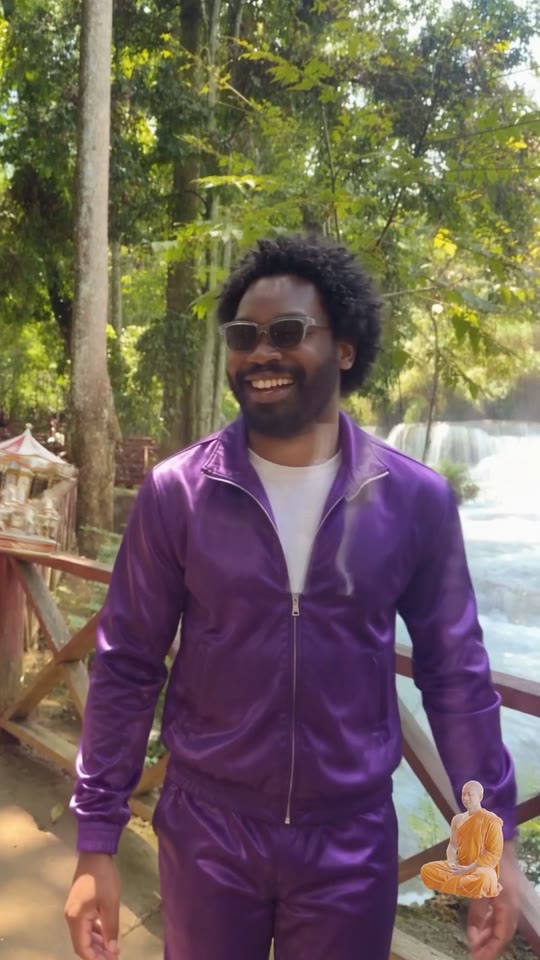
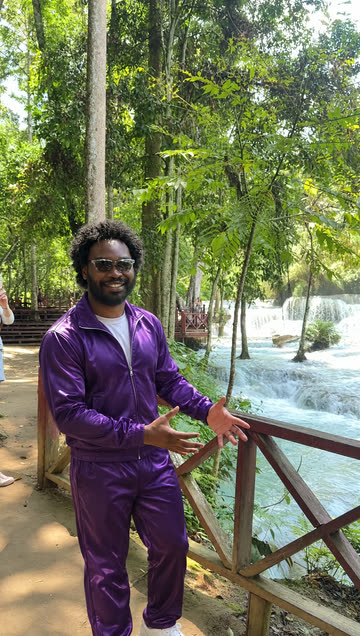
Outfit swap — Goja purple
outfit
It was a toy all along
the toy

The making of

11 posts · tap one

Frames from the piece

Every scene, in order.

One still per scene, straight from the final cut. Scroll sideways.
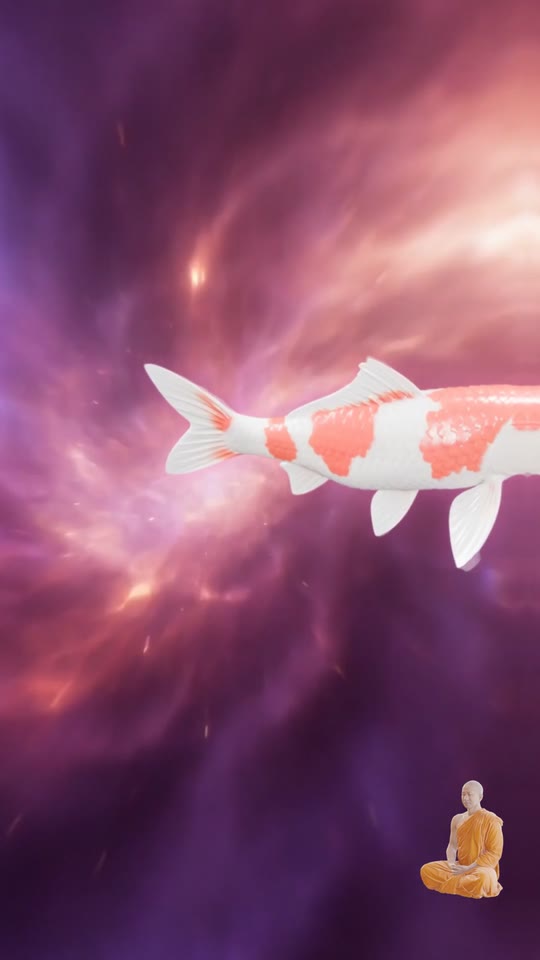
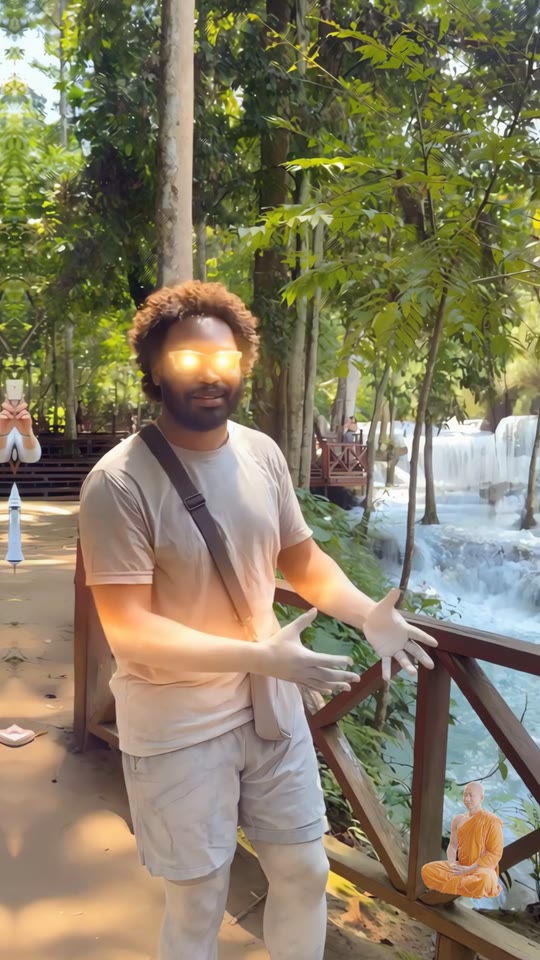
The Goja neon, in my eye
0:05 The Goja neon, in my eye
A koi swims out of the iris
0:07 A koi swims out of the iris
…and into the real pond
0:08 …and into the real pond
A disco ball over the river
0:11 A disco ball over the river
Flash — tongue out, black and white
0:13 Flash — tongue out, black and white
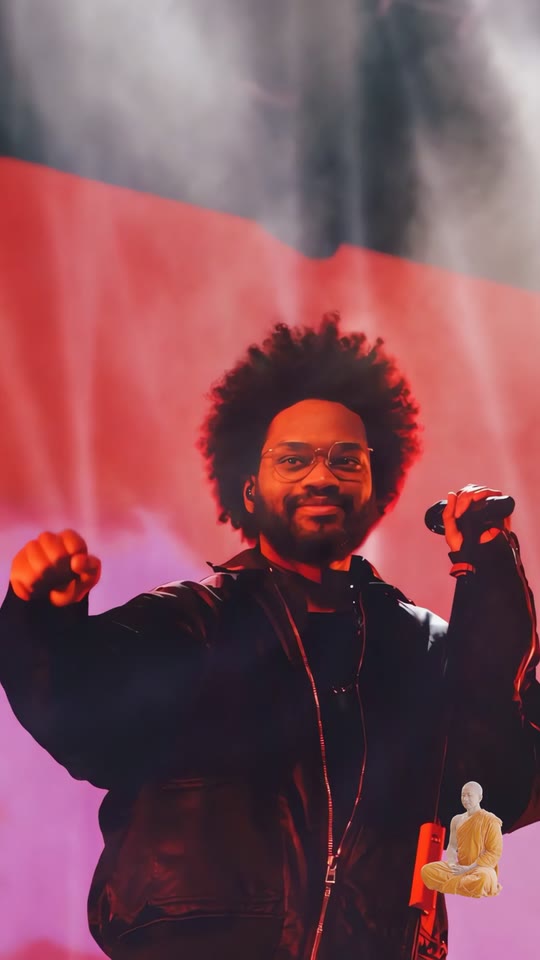
Flash — the stage
0:15 Flash — the stage
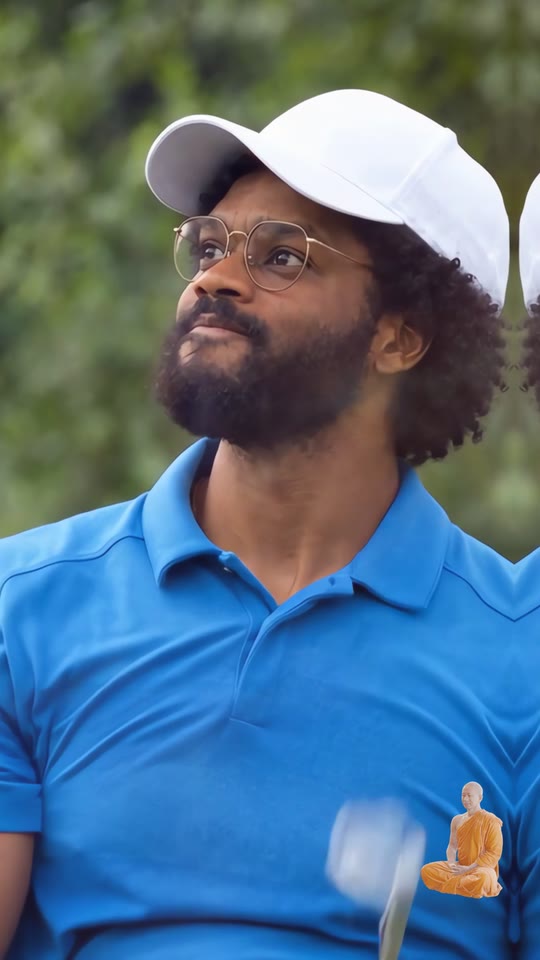
Flash — the golfer
0:15 Flash — the golfer
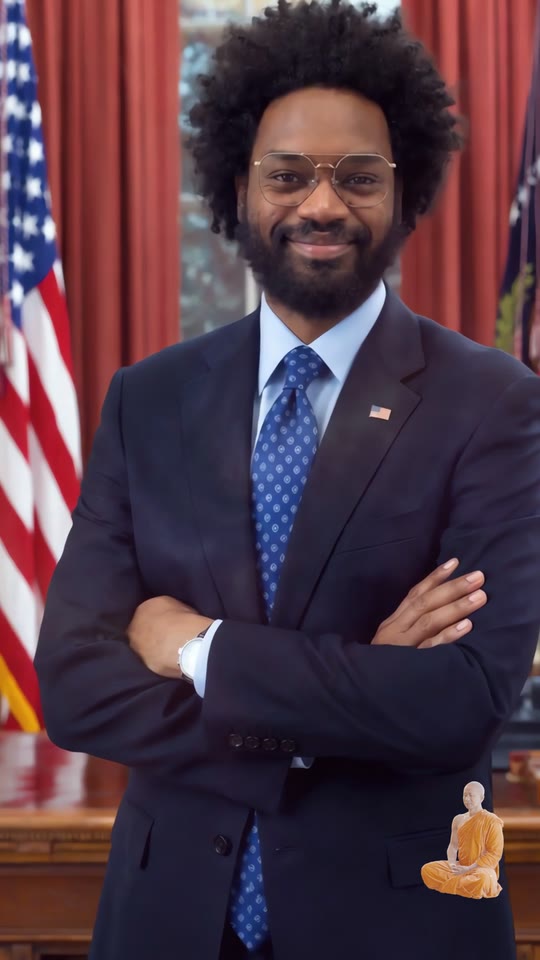
Flash — the president
0:19 Flash — the president
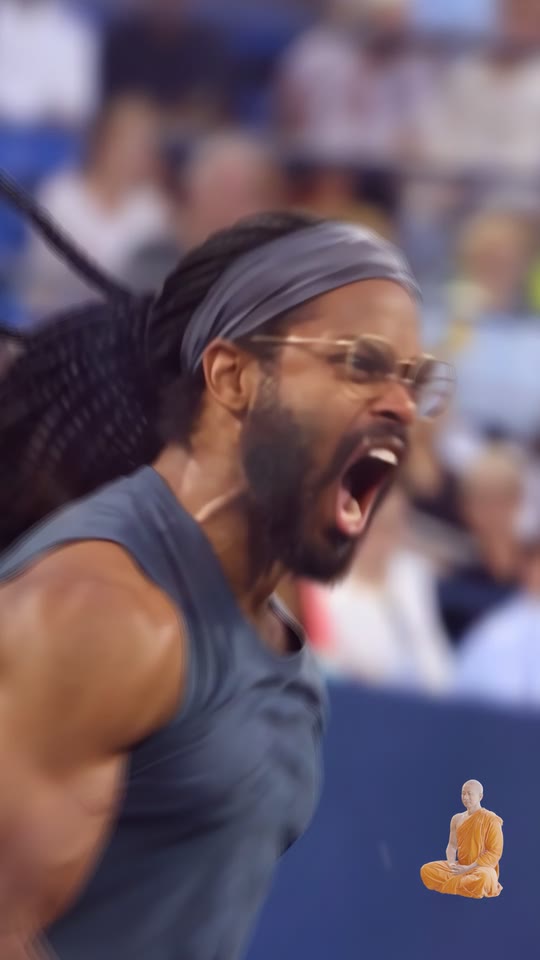
Flash — the champion
0:20 Flash — the champion
Padel, mid-rally
0:20 Padel, mid-rally
The ball comes at the lens
0:23 The ball comes at the lens
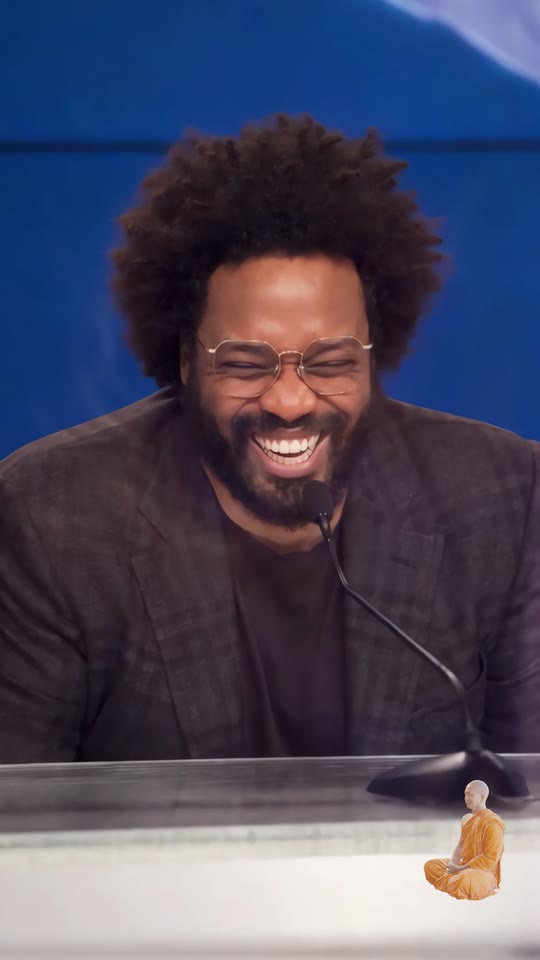
Flash — the anchor
0:25 Flash — the anchor
Bullet time, turned to stone
0:30 Bullet time, turned to stone
Stone back to skin
0:34 Stone back to skin
Outfit swap — cream linen
0:36 Outfit swap — cream linen
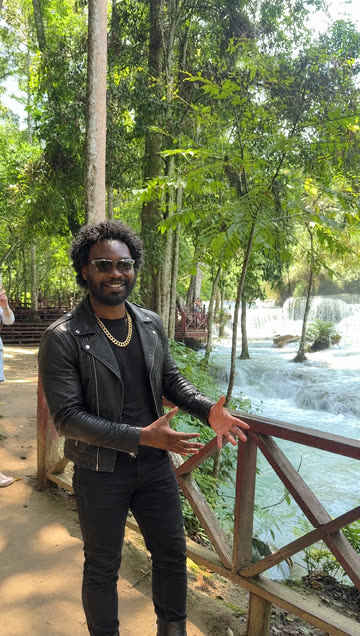
Outfit swap — leather and gold
0:37 Outfit swap — leather and gold
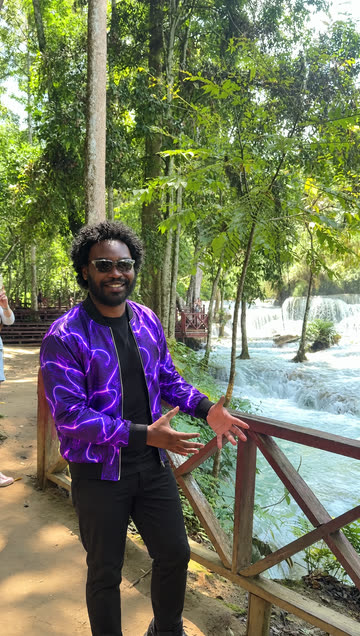
Outfit swap — Goja purple
0:38 Outfit swap — Goja purple
It was a toy all along
0:41 It was a toy all along

The making of · 01 · The personas

Six of me, a few frames each.

Iconic photos, re-made with me in them from real photos of me — then animated. Each one flashes on a kick. Times are on the video's clock.

0:12 tongue out
0:15 the stage
0:15 the golfer
0:18 the president
0:20 the champion
0:25 the anchor

The making of · 02 · Motion control

Same move, any outfit.

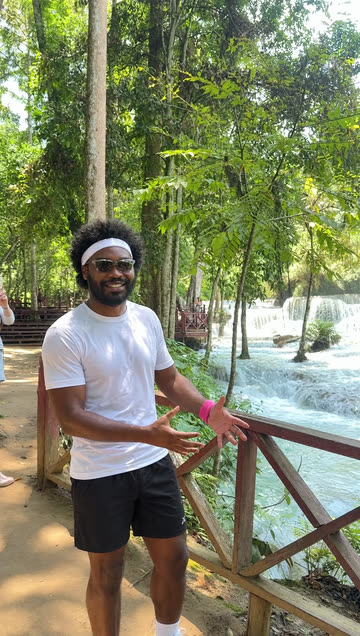
My real clip drives the AI: it copies every movement, frame for frame, in whatever I'm wearing.

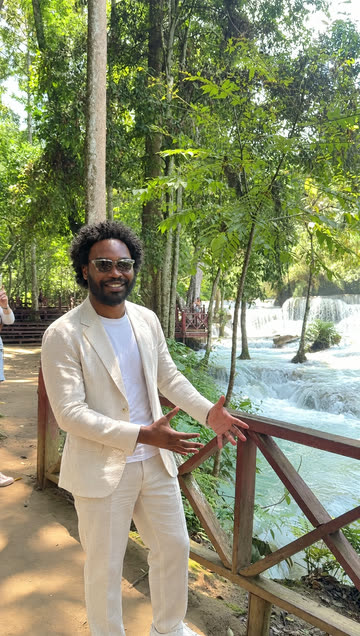
One real frame, seven outfits.
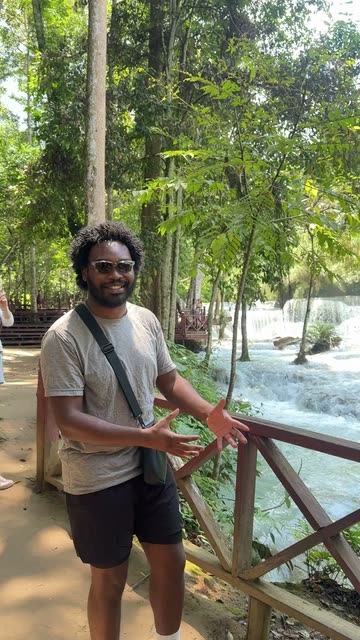
The real frame at the falls
real the source
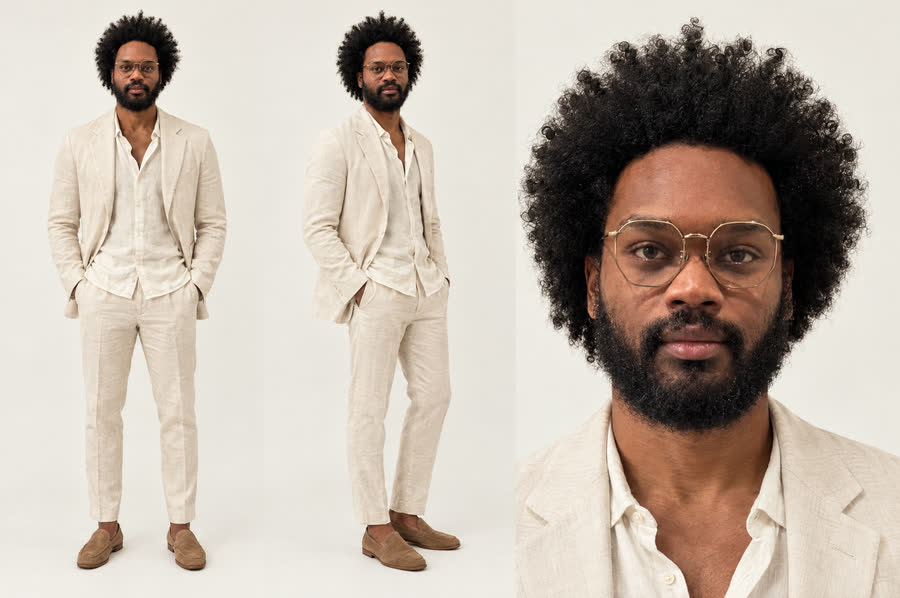
Cream linen suit
cream linen
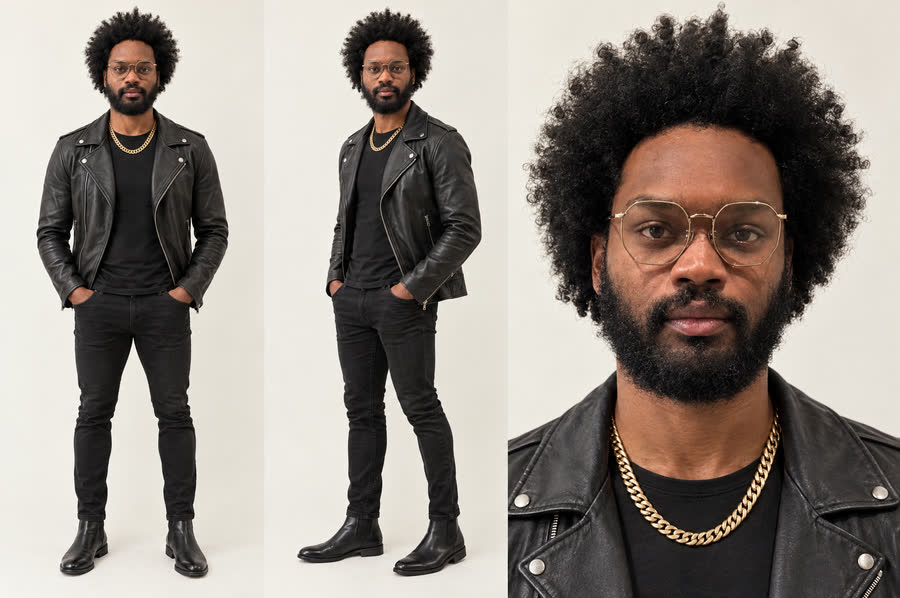
Black leather jacket and gold chain
leather + gold
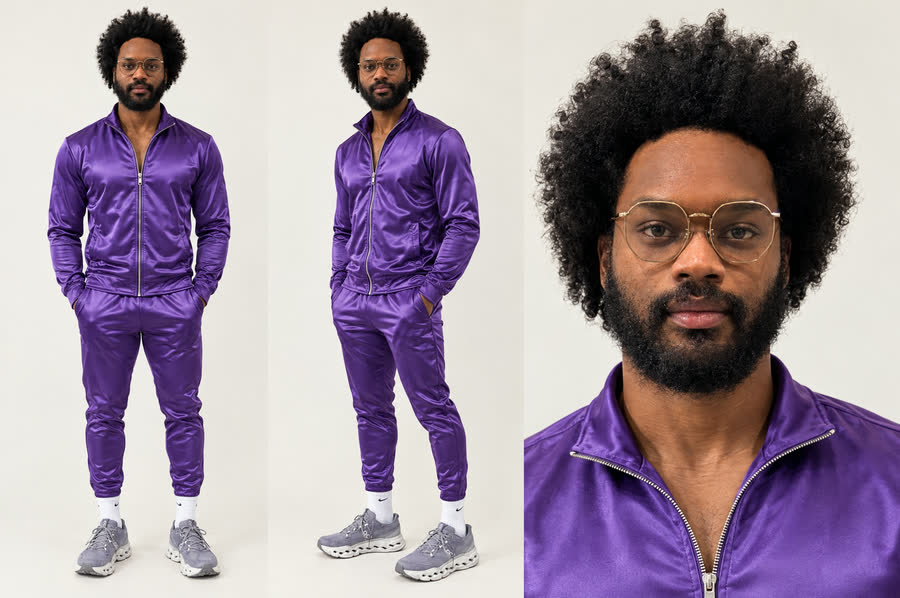
Purple satin tracksuit
Goja purple
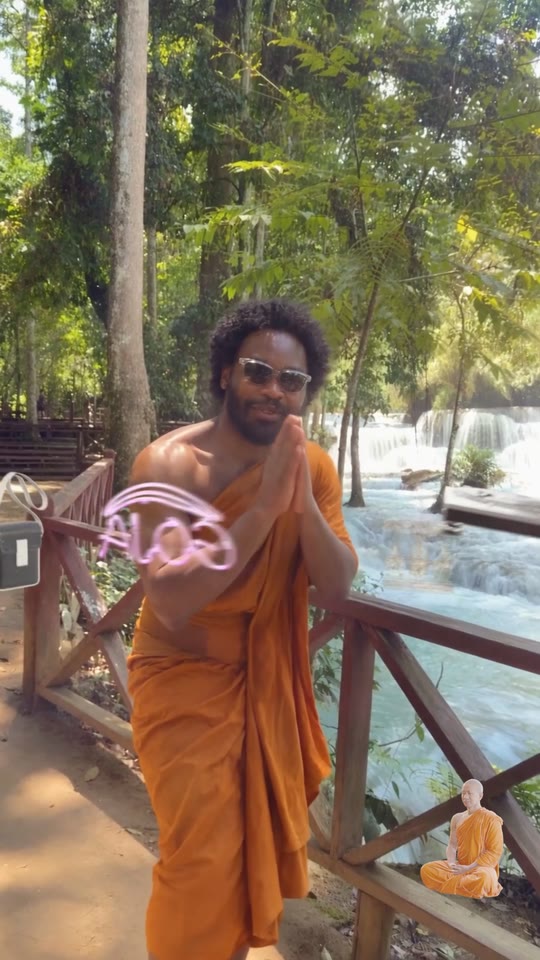
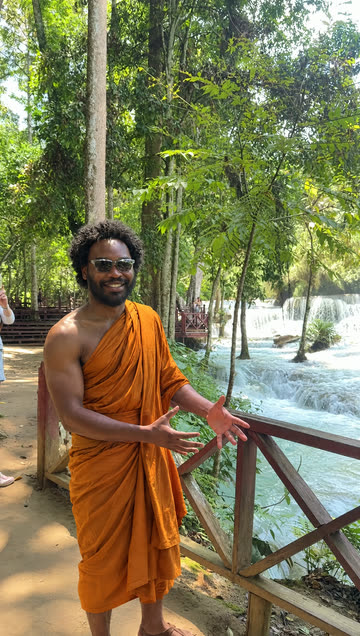
Saffron monk's robe
saffron robe
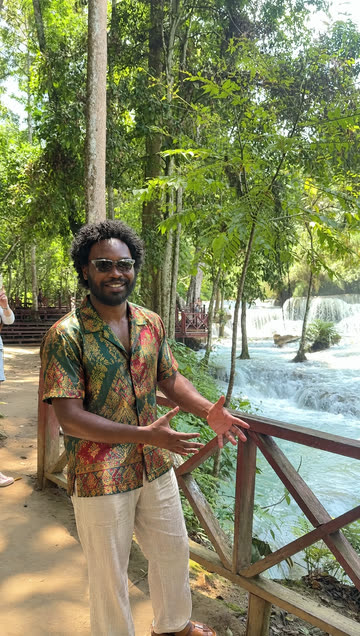
Thai silk shirt
Thai silk
Purple bomber jacket
bomber
Padel whites
padel whites

The making of · 03 · The character sheets

Locking my face.

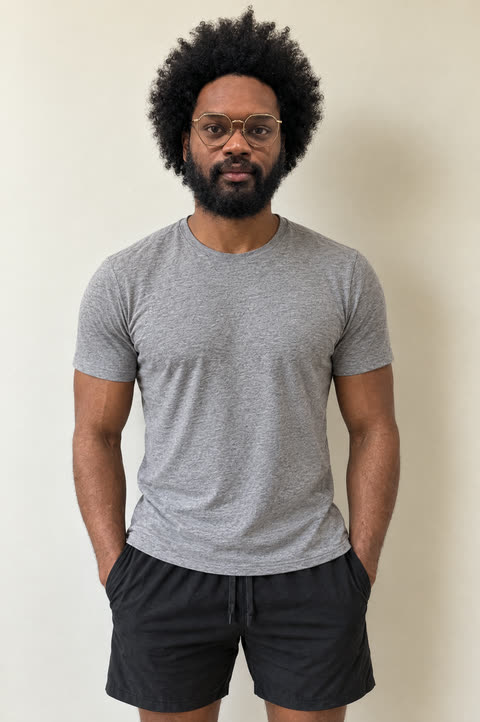
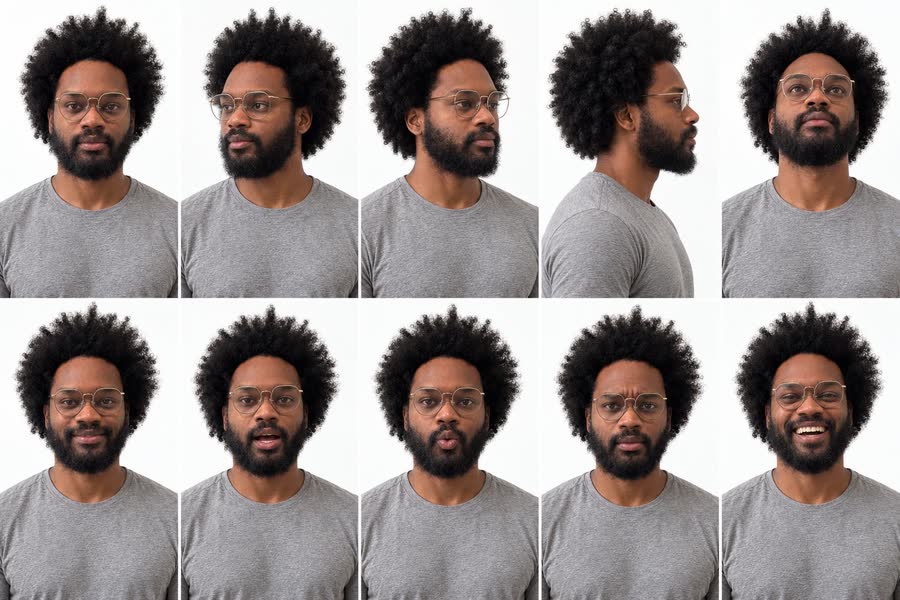
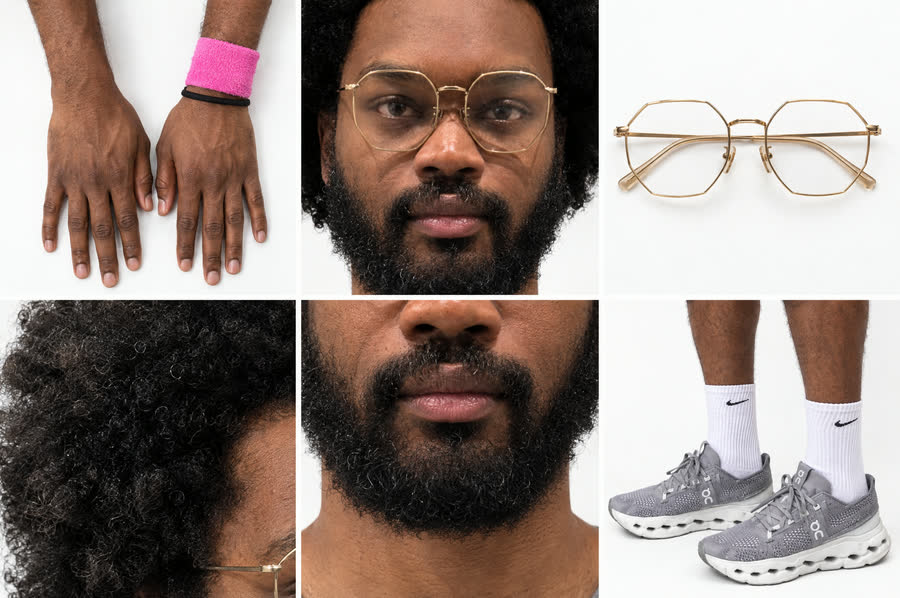
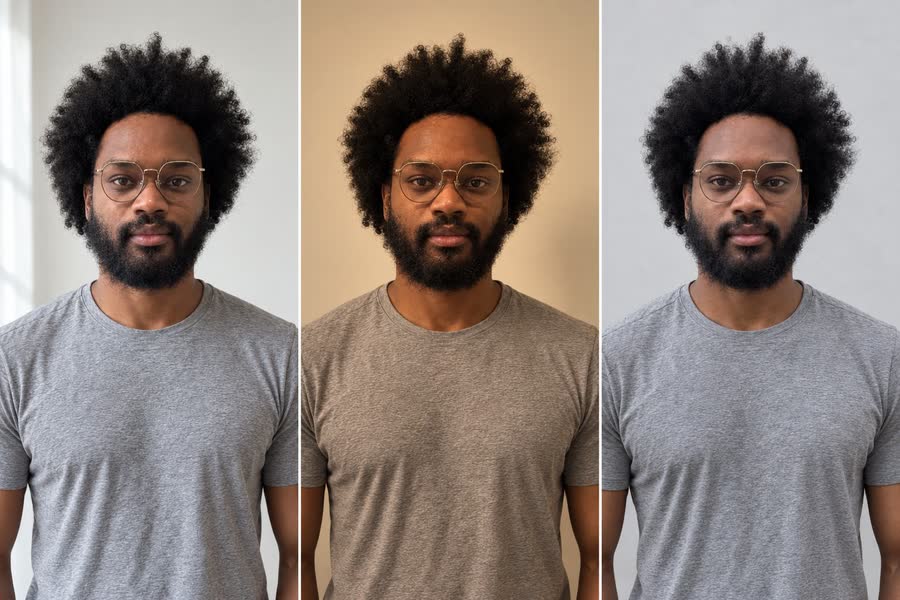
One identity, rebuilt from a real September selfie, so every AI shot is the same man. Every item he wears is locked to one real version: one pair of glasses, one pair of shoes, the band on the left wrist.

Master portrait: big afro, full beard, gold octagonal wire glasses, grey tee
master

The identity — big afro, full beard

turnaround, angles, details, light, colour
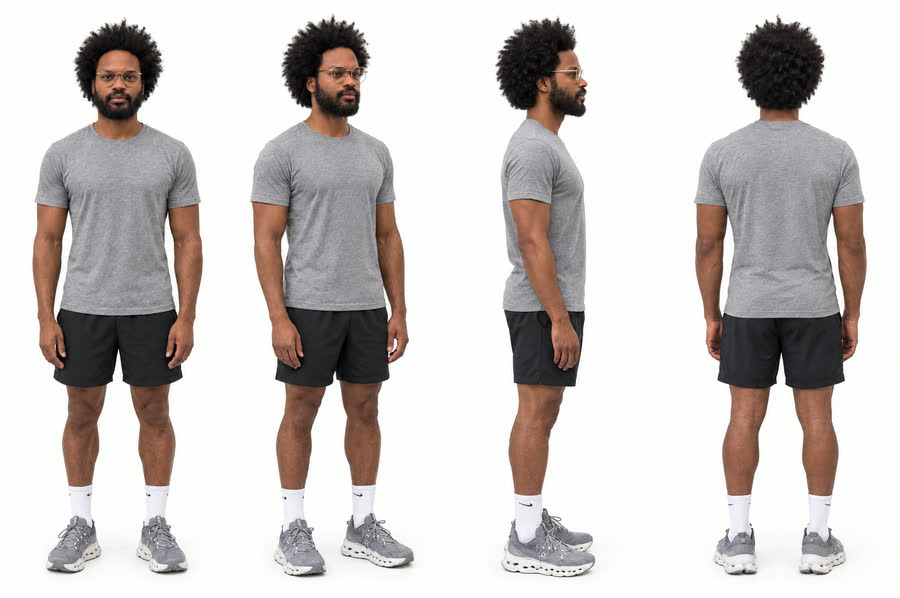
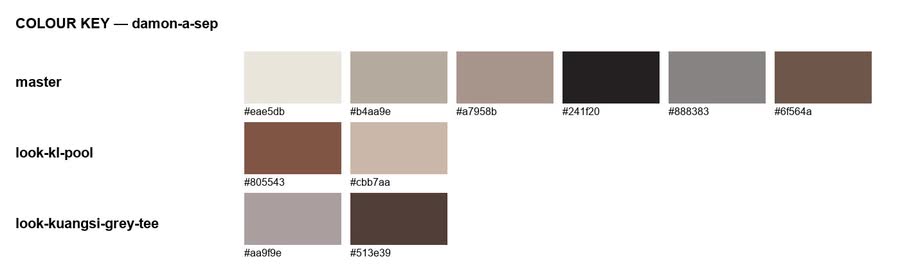
Turnaround: front, three-quarter, side, back, in grey On running shoes Angles and expressions Details: hands with the pink band on the left wrist, the gold glasses, hair, beard, On shoes Light test in three lighting set-ups Colour key: skin, hair and clothing swatches

The character bible

every item he wears, locked to one real version and built in 3D · drag any of them

Glassesgold octagonal wire frames
Sunglassesclear frames
On running shoegrey knit, the pod sole
Headphonesdark space-grey over-ears
Wristbandpink, left wrist
Padel racketblack with gold bars
Bagblack crossbody pouch

The looks

every outfit made from the same identity
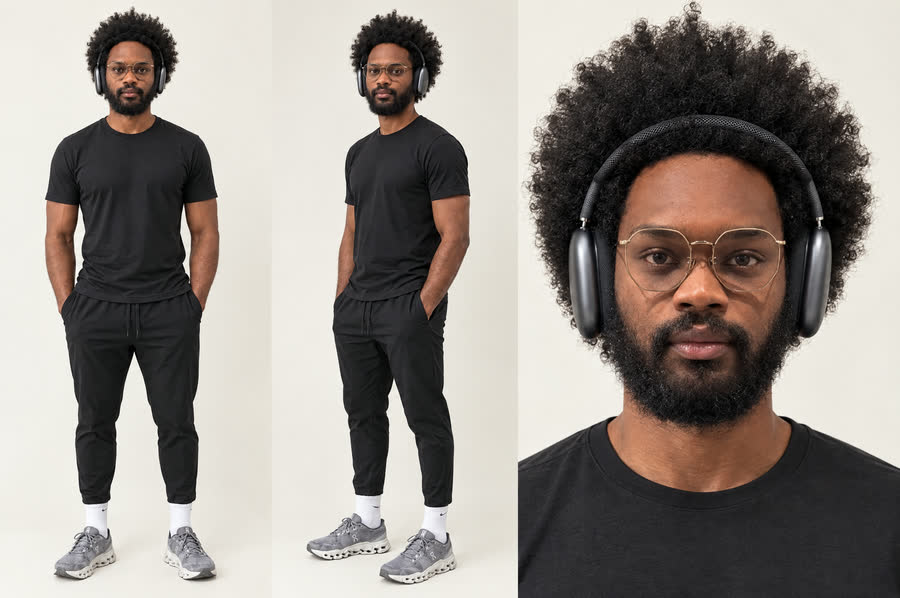
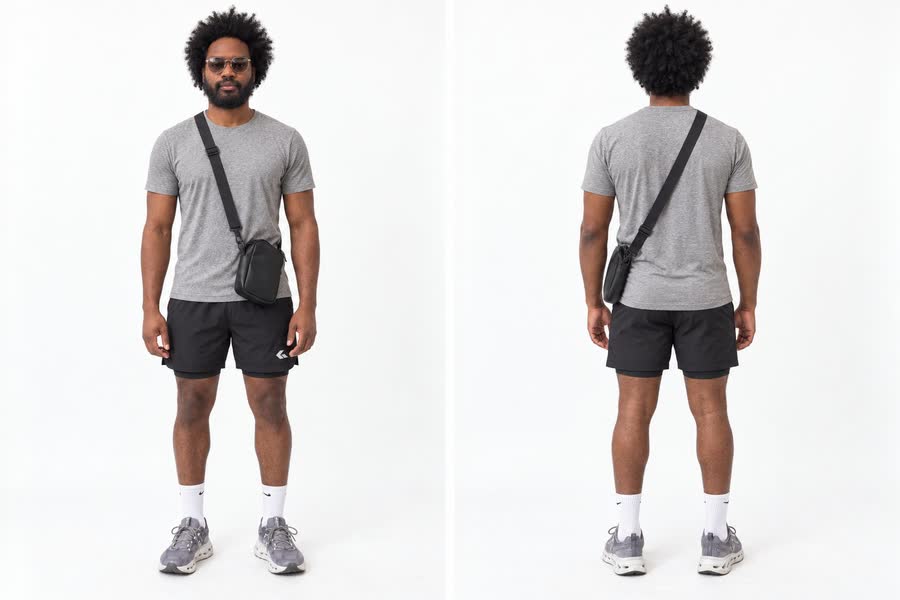
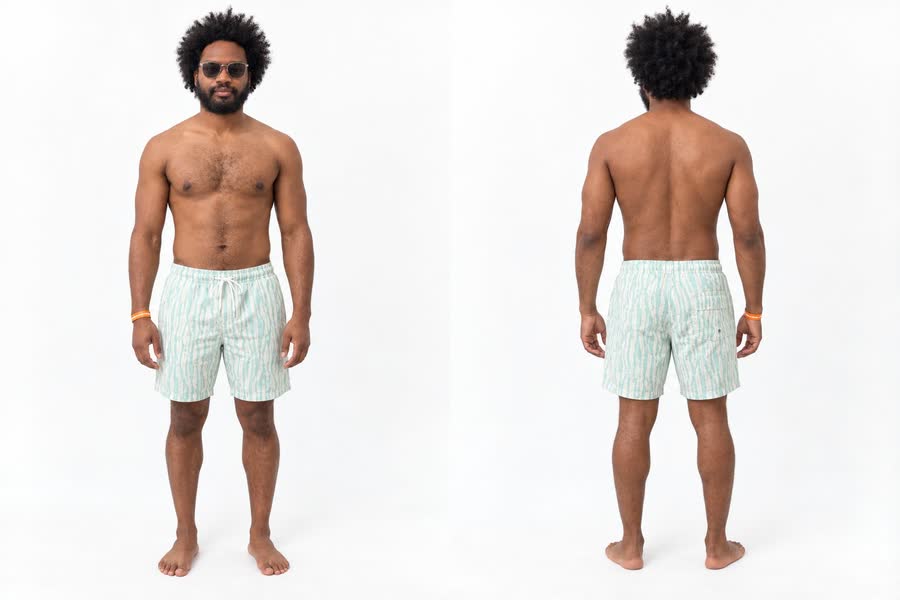
Look: dark grey over-ear headphones, black tee, On shoes Look: purple satin tracksuit Look: leather jacket and gold chain Look: cream linen suit Look: grey tee and cross-body bag at the falls Look: swim shorts at the pool

The making of · 04 · The objects

Ride the carousel.

Every object in the piece, built in 3D and seated on one carousel. Drag to spin it.

Every object, on its own.

rendered with the same lifelike finish as the video · drag any of them

Koiswims through the iris
Goja signthe neon that opens the loop
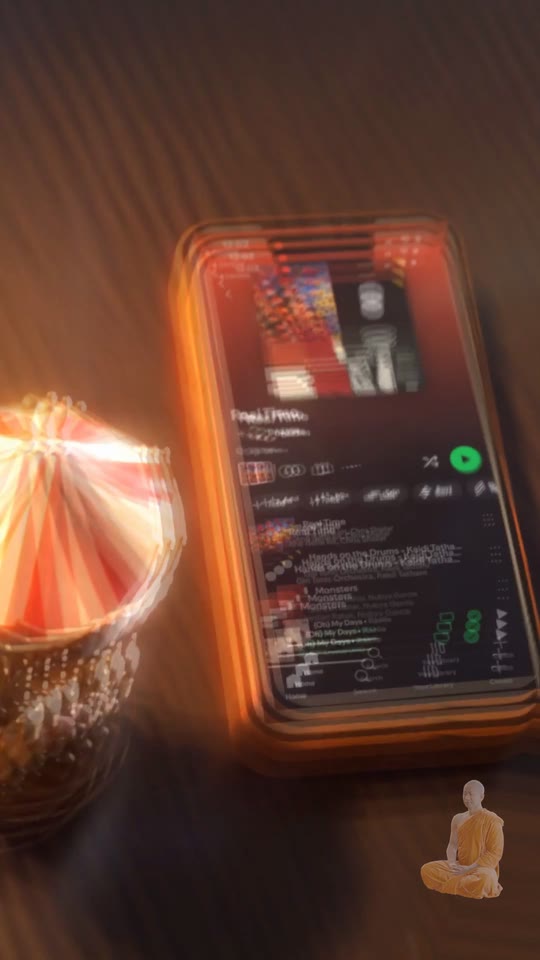
Chicken-heart skewerpops in on the street-food burst
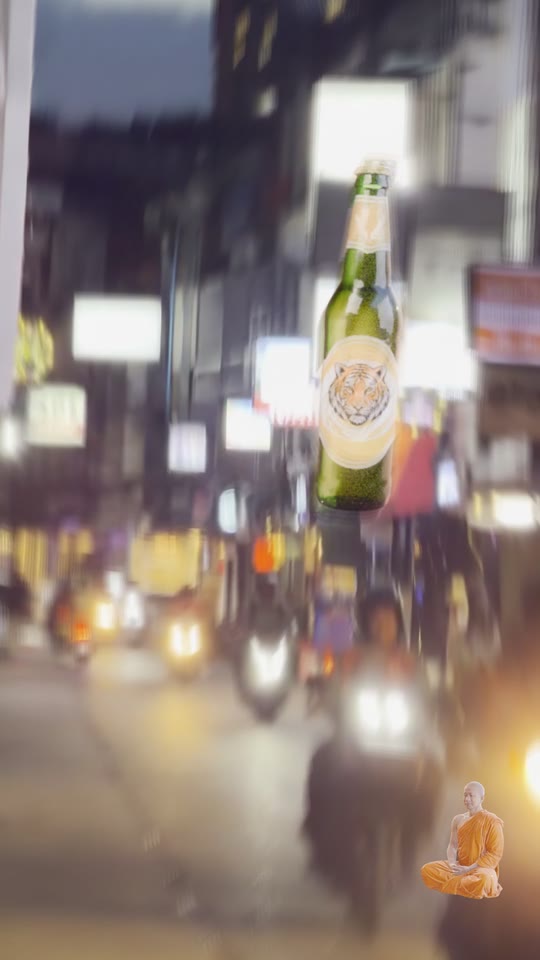
Beerlaopops in on the night-out burst
Disco ballpops in on the dance-floor burst
Longtail boatpops in on the river burst
Headphoneshis dark space-grey pair, in the opener and the selfie
Helmetthe motorbike selfie
Templecircles Patuxai
Padel racketswings with every shot
Padel ballhits the lens
Sticky-rice basketcrosses the footbridge
Cream-strap bagruns in reverse
Black pouchpacked for the trip
Turntablerides the carousel at the end
Vinylthe record the loop spins on
Gold glassesworn on the trip
Monksits in the corner the whole piece

The making of · 05 · The edit

Every layer, on one clock.

The 42.3 seconds as they are built: the picture, each layer stacked on top of it, and, frame by frame, how the picture is treated and how everything moves. The speed line drops below zero where a shot runs backwards. Play the video and the line runs across; tap anywhere to jump there.

0:00.0

  • Real footage
  • AI video
  • 3D
  • Screen recording
  • Outfit swap
  • Persona flash
  • 3D object · dot = it hits the lens
  • Camera move · diamond = turn at the cut

Loading the edit map…

Scroll sideways along the map · hold a block for its detail on desktop

The making of · 06 · The vocabulary

Every move, by name.

The words editors use for what happens in the piece, each one shown on the moment it happens. Times are on the video's clock.

Cuts

0:27.9 Hard cutOne shot stops and the next starts instantly, with nothing in between.
0:32.7 Match cut — shapeThe cut lands so a shape in one shot sits in the exact same spot as a similar shape in the next.
0:24.7 Match cut — motionA movement that starts in one shot carries on in the same direction and speed in the next.
0:06.8 Match cut — colourThe last colour of one shot is the first colour of the next, so the eye doesn't feel the jump.
0:35.1 Jump cutCutting inside the same shot so it skips ahead (or back) in time, and the picture visibly jumps.
0:12.9 Smash cutA sudden cut from one mood to the opposite — calm to loud, or loud to silent — with no warning.
0:10.1–12.9 Insert / B-roll burstShort extra shots dropped in to add texture — details, places, objects — often a fast run of them.
0:19.8 / 0:20.6 Cut on the beatEvery cut lands exactly on a beat in the music, so you feel the edit in your body.
0:19.0 Flash frameA single frame of white (or colour) between two shots — a blink of light on a hit.

Transitions

0:03.6 Zoom transitionThe camera zooms into or out of something (a screen, an eye) and that carries you into the next picture.
0:16.6 Punch-inThe frame jumps a little closer in one hard step, usually on a beat, then settles.
0:18.1 Object wipeSomething passes across the lens and fills the frame, and when it clears we're in a new shot.
0:08.5 Object hand-offAn object leaves one shot through the edge of the frame and arrives in the next shot, so it carries you across.
0:33.3 MorphOne shape or face melts smoothly into another, with no cut.
0:06.0 Iris transitionThe picture opens or closes through a circle — here, the eye's iris opens into another world.
0:41.6 DissolveOne shot fades out while the next fades in on top of it, so for a moment you see both.
0:06.0–6.8 Speed-ramp transitionThe shot speeds up hard into the cut, and the next shot comes in fast and slows down.

Time

0:03.6–6.8 Speed rampThe speed changes inside one shot: fast, then suddenly slow on the key moment, then fast again.
0:29.5–32.7 Time freeze / bullet timeTime almost stops, and the camera keeps moving around the frozen moment.
0:26.3–29.5 ReverseThe footage plays backwards.
0:42.3 → 0:00 Seamless loopThe last frame hands straight back into the first, so it plays forever with no visible seam.

Motion

0:18.2–19.7 KeyframeA point where you pin down where something is at a certain moment; the computer fills in the movement between the pins.
0:29.3 Ease-inStarts slow and speeds up — like something being pulled away.
0:23.0 Ease-outStarts fast and slows down to a stop — like something landing.
0:21.5 AnticipationA small move in the opposite direction just before the main move, like winding up before a throw.
0:11.7 / 12.4 Motion blurFast movement smears into a streak, the way a real camera sees speed.
0:30.2 ParallaxNear things slide past faster than far things, which makes a flat picture feel deep.
0:35.9 OrbitThe camera circles around the subject while he stays in the middle.

Tracking & compositing

0:13.3 Motion tracking / match-moveThe software follows a point in real footage so a 3D object can be stuck to it and move with it.
0:18.3 Compositing / layeringStacking separate layers — footage, 3D objects, text — into one finished picture.
0:39.1 Depth of field / rack focusHow much of the picture is sharp; a rack focus moves the sharp spot from one thing to another.

Sound-led

0:23.0 Hit pointThe exact moment in the music a picture event must land on — a hit, a drop, a snare.
0:26.3 DownbeatThe first and strongest beat of each bar — the "ONE" in 1-2-3-4.
0:15.1 / 15.5 / 15.7 SyncPicture and sound lined up so they happen at exactly the same moment.

Camera

0:40.1 Dolly in / dolly outThe camera physically moves closer or further — near things grow faster than far ones, unlike a zoom.
0:05.6 Push-inA slow, steady move toward the subject that builds tension or focus.
0:39.1–41.6 Pull-back revealThe camera pulls back to show something we couldn't see — often that the world was smaller or different than we thought.
0:16.6 POVPoint of view: the camera is someone's eyes, so we see what he sees.
0:23.0 Locked-offThe camera doesn't move at all — only the subject and the world move inside the frame.

Not in the piece yet

Demos, not in the video: the same words shown on our own footage and objects.

demo J-cutYou hear the next shot before you see it: its sound starts early, under the current picture.
demo L-cutThe sound of a shot keeps going after the picture has already cut away to the next one.
demo CutawayA short shot of something else (what he's looking at, his hands, the place) dropped in, before returning to the main shot.
demo Whip panThe camera swings sideways so fast it blurs, and comes out of the blur somewhere new.
demo Invisible cutThe cut is hidden in a moment where the frame goes fully dark or blocked, so it looks like one continuous shot.
demo Slow motionTime runs slower than real life so you can see every detail of a moment.
demo StutterThe same few frames repeat quickly, so the picture looks like it's skipping or stamping.
demo Echo / trailsA moving thing leaves fading copies of itself behind it.
demo LinearMovement at one constant speed from start to stop — feels robotic.
demo Ease-in-outStarts slow, speeds up in the middle, slows down at the end — the most natural feel.
demo OvershootSomething goes a bit past where it should stop, then settles back — it feels bouncy and alive.
demo Follow-throughWhen the main thing stops, the loose parts (hair, a strap, a tail) keep moving for a moment.
demo Camera shakeThe picture jolts as if the camera took the hit.
demo Rotoscoping / matteCutting a person or object out of the footage, frame by frame; the cut-out shape is called the matte.
demo Keying / chroma keyRemoving one flat colour (usually green) from the picture so you can put anything behind.
demo OcclusionWhen something closer blocks something further away — getting it right is what makes a 3D object feel really there.
demo Colour grade / colour matchAdjusting colour and contrast for a mood, or so different shots and layers look like they belong together.
demo Sound-off designMaking the video work even with the sound off — captions, clear visuals, the story told in pictures.

The making of · 07 · The sound

Twelve bars, taken apart.

The loop is 12 bars of the song, split into stems and re-cut on the bar lines. The shaded bars are the remix.

Loading the stem map…

Press play on the loop below and a playhead runs across it · scroll sideways on a phone

The stems.

The loop — 38.7s, the edit the video is cut to
Drums · 2 bars
Bass · 2 bars
Vocals · 2 bars
Other · 2 bars
The remix · bars 6–8

The making of · 08 · How it was made

Footage in, a loop out.

  1. Real footagePhone clips from the trip — the base of every shot.
  2. TrackingEach clip's camera move is tracked so 3D can sit inside it.
  3. 3D objectsBuilt in Blender with lifelike materials.
  4. AI shotsGPT Image 2.5 stills, Seedance 2.5 motion, Genjutsu motion transfer.
  5. The editCut on the kicks, turns around the subject, jump cuts.
  6. The song12 bars split into stems and remixed into a loop.

Bonus · The memes

Two memes, starring me.

Made the same way as the piece: real photos of me, rebuilt with AI, then animated. Tap one for sound.

Neuron activationa blank stare, then the whole brain lights up Goja purple
Introvert with AIboss, leader, introvert… then introvert with AI

Credits

Made by
Prizm Labs
Music
Gotts Street Park — Lost & Found
Footage
Shot on a phone, Thailand and Laos, 2026
AI
GPT Image 2.5 · Seedance 2.5 · Higgsfield Genjutsu
3D
Blender · three.js · light map from Poly Haven (CC0)
Sound
Demucs stem split · Rubber Band time-stretch

Up next